
Business Central Bank Reco page does not open up
Read this step-by-step guide if the Business Central Bank Reco page does not open up for you.
Introduction: Business Central Bank Reco page does not open up
In this article, we will talk about the Business Central Bank Reco page does not open up. Have you ever noticed that sometimes when you search for bank reco, Business Central does not open the bank reco screen but instead opens the Bank Rec Worksheet? This issue is faced by a lot of users and so, this article talks about resolving it. This issue majorly happens after an upgrade when you setup a new environment. Sometimes, the issue also arises randomly. Then Microsoft rolls out new updates and features and as an administrator, you can turn on the new features using the Feature Management page. Note that the features may be switched off by default, but can be enabled/disabled as required by the business.
What to do when Business Central Bank Reco does not open up?
To resolve the issue then follow the steps below:
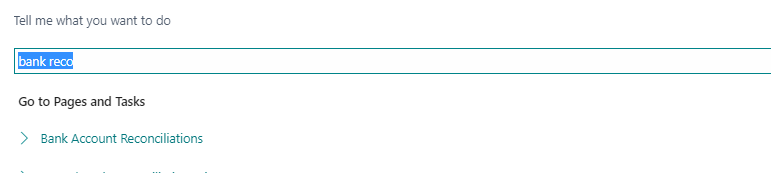
- Sometimes, when you search for bank reconciliation by clicking on the search option
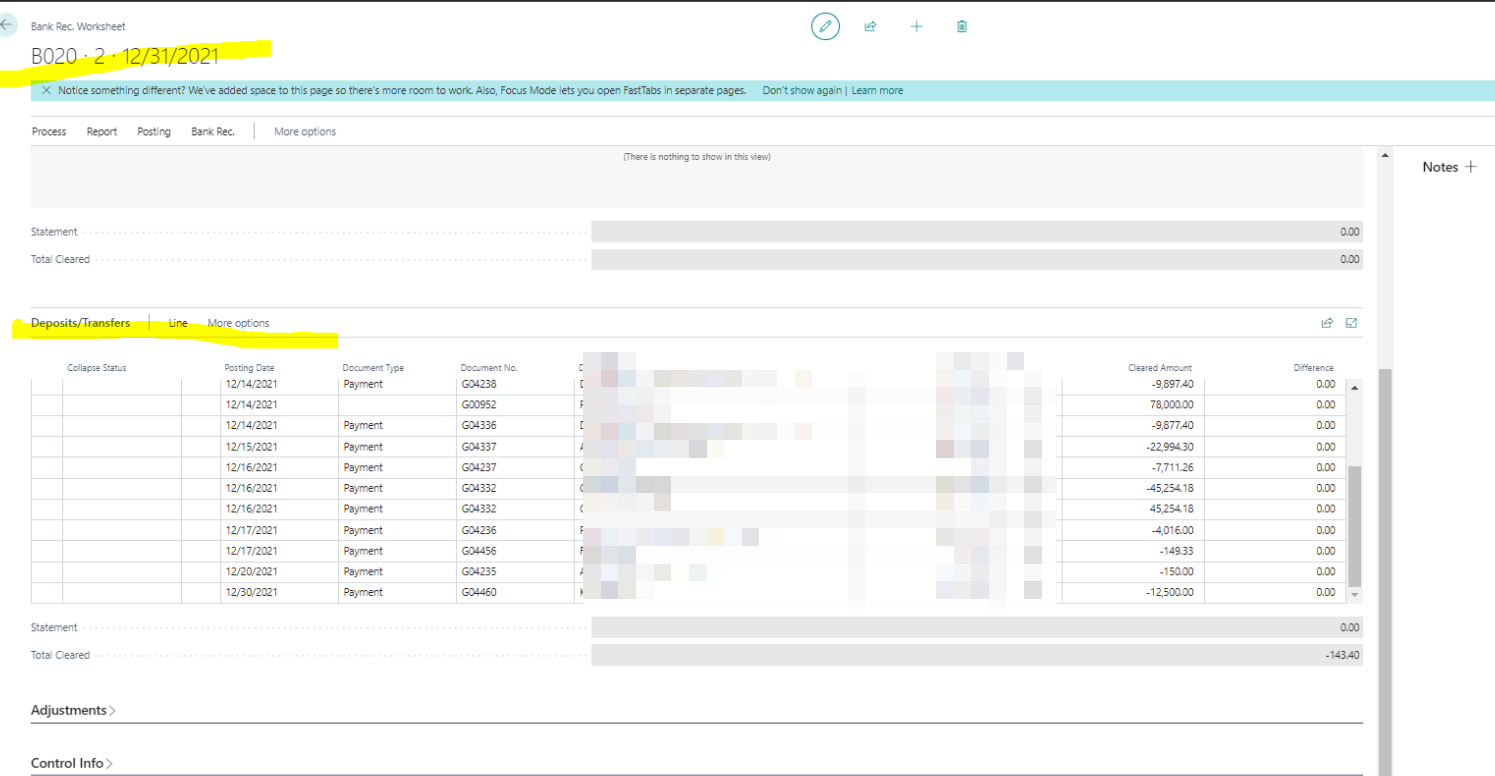
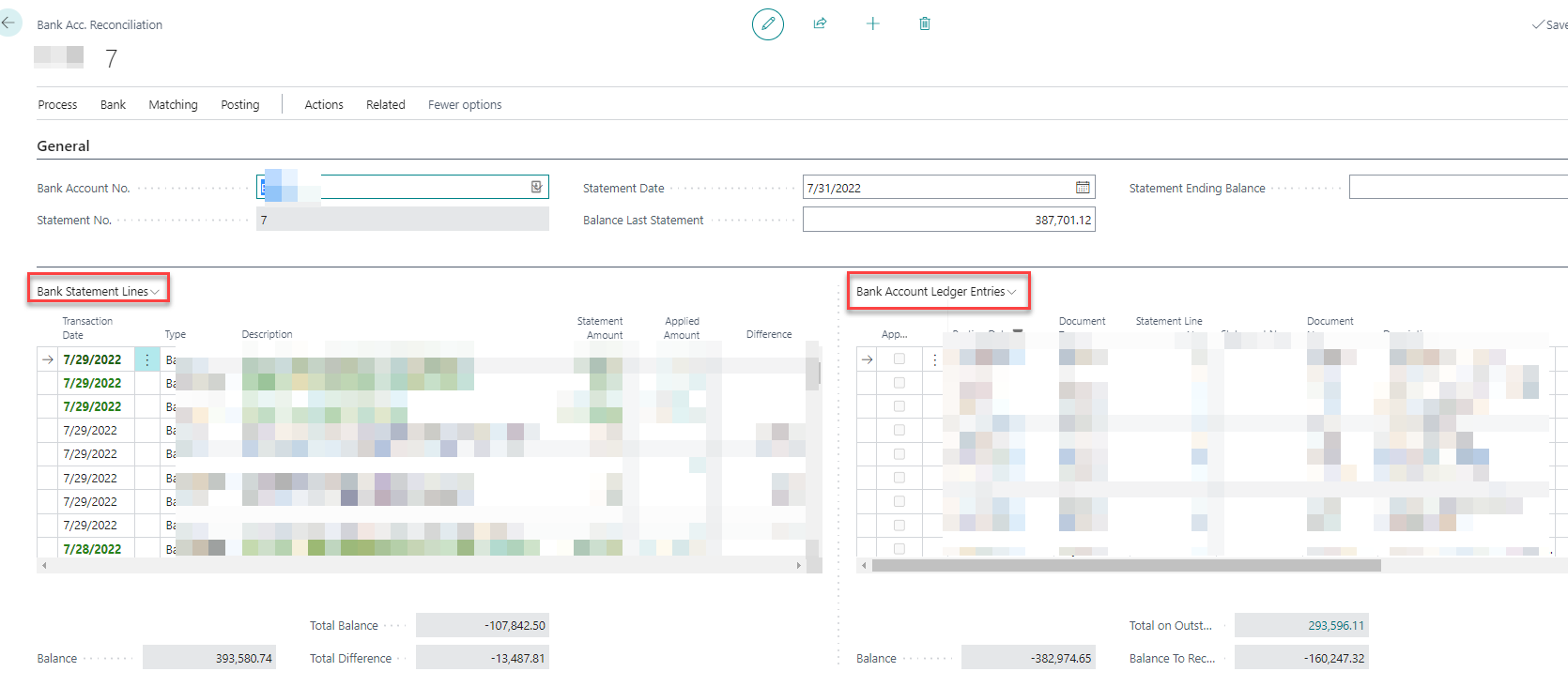
- It opens the Bank Rec Worksheet as seen below,
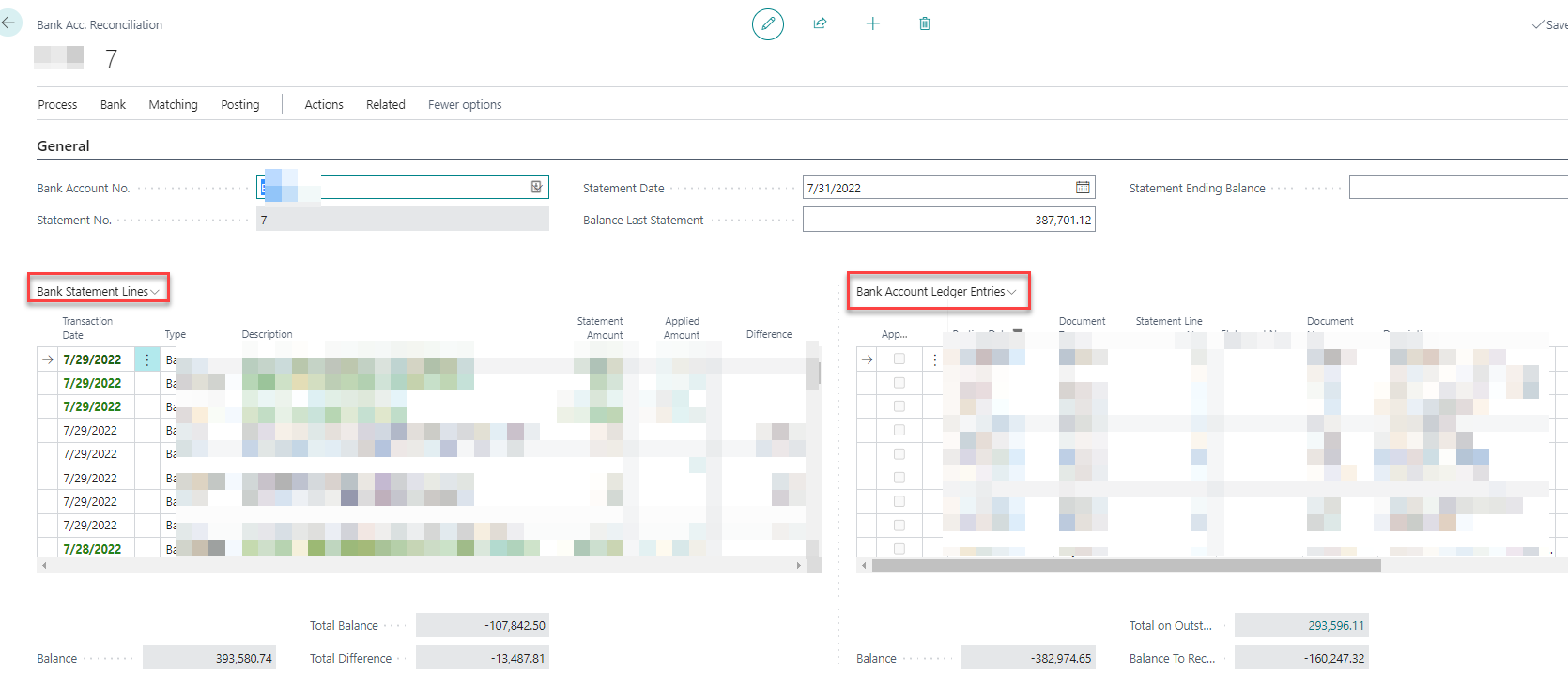
- Instead of the split bank reco screen which was expected as below, showing statement lines and bank ledger entries on the right side
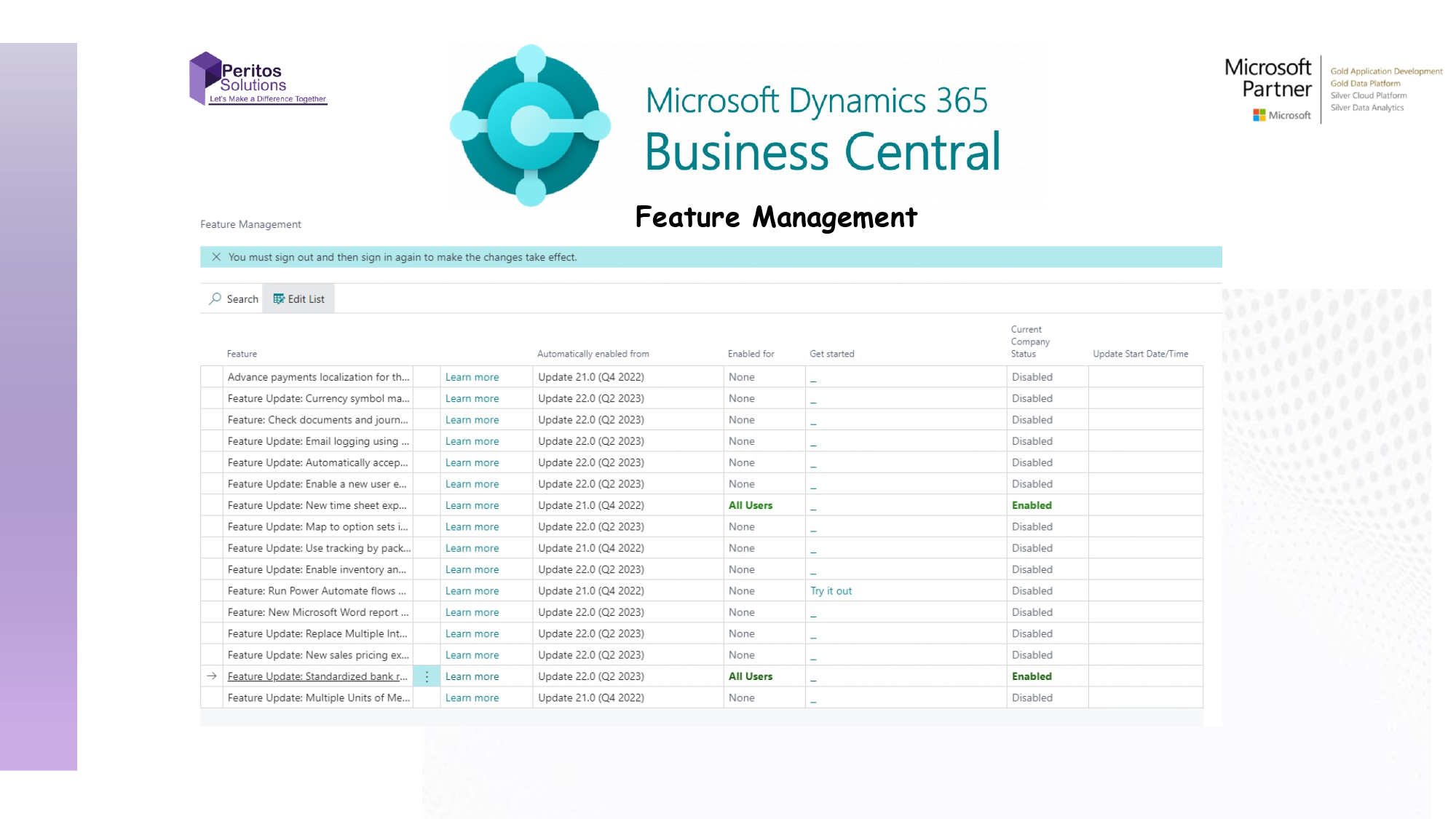
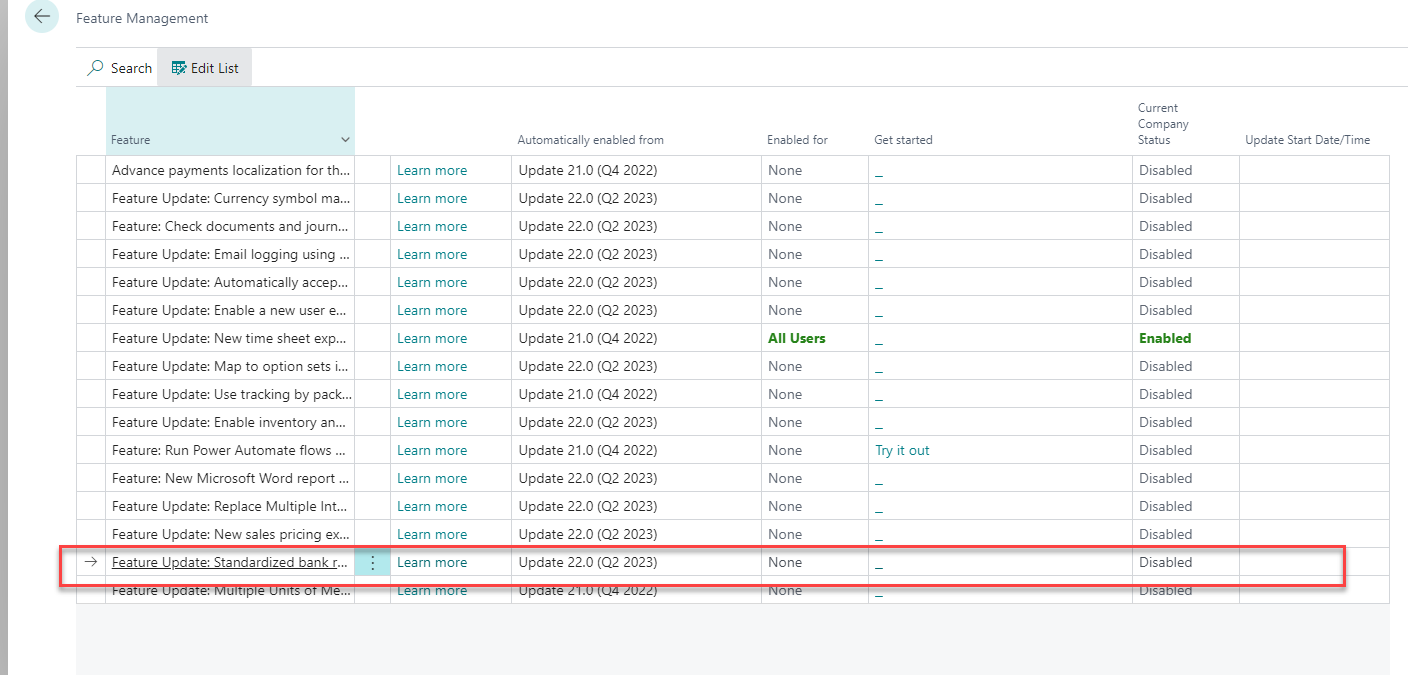
To fix the issue search for Feature Management. Then When you do that, the below window should open up.
- Please select the field which says “Standardized Banking”
- Ensure it is enabled for all users as seen below
- This then allows to create bank reconciliation in the system and opens the right screen as seen below
Conclusion- Business Central Reco does not open up
In conclusion, Feature management can be used to enable and disable features for users. Then Using these simple steps with feature management will help you to resolve the issue of bank reco screen not opening up properly. References https://docs.microsoft.com/en-us/dynamics365/business-central/dev-itpro/administration/feature-management
Share us
Get A Quote
Proud Blogs that
make us stand out
Recent Home
S/4 Hana
SAP Fieldglass Resume Ranking setup
Ensure seamless SAP Integration | Secure Access | Auth0 with third-party APIs. Secure authentication &…
Recent Home
sub -O365
Choosing the Right O365 Subscription: Monthly, Annual & Hybrid Commitments
This article explores the various Microsoft 365 subscription models—monthly, annual, and hybrid—and helps you choose…
Recent Home
Awards
Peritos Wins Globalisation Excellence Award | MSME Star Stories 2024
Peritos Solutions is proud to be a winner in the “Globalisation Excellence” category at MSME…
Recent Home
Awards
Peritos Wins at NABH Quality Connect Fiesta 2024
Peritos proudly receives the NABH Quality Connect Healthcare Quality Pitch Award at the 2024 Competitions…
Recent Home
Awards
Peritos: New Zealand ICT Award Finalist for Technical Award 2025
Peritos Solutions has been named a finalist for the 2025 New Zealand ICT Technical Award,…
Thinking about a project? Get in touch with us.
Connect with Us Today through the Details Below or Fill
Out the Form for a Prompt Response
Book Free Consultation
Guaranteed response within 8 business hours.
Trusted by Startups and Fortune 500 companies
We can handle projects of all complexities.
Startups to Fortune 500, we have worked with all.
Top 1% industry talent to ensure your digital success.